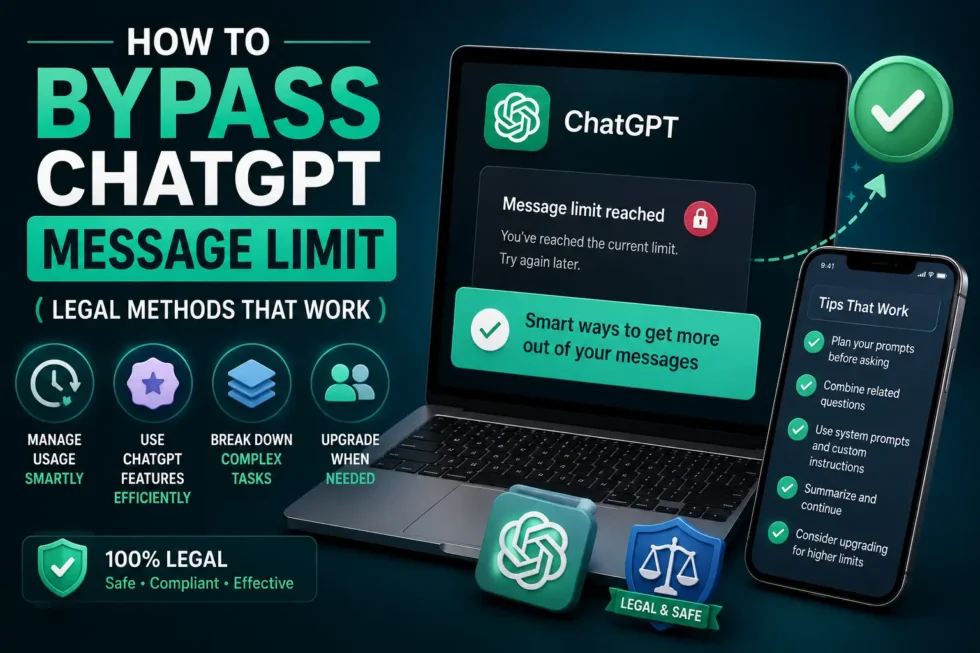
How to Bypass ChatGPT Message Limit Legal Methods That Work in 2026
Hitting a wall mid-conversation is frustrating. You’re mapping out a project, drafting an email, or debugging code, and suddenly ChatGPT tells you to wait. If you want to bypass ChatGPT message limit restrictions without breaking OpenAI’s terms of service, several legitimate methods can help. This guide walks through nine practical, fully legal ways to keep working when you run into a cap, plus a few risky shortcuts you should avoid entirely.
This article builds on our cluster guide, ChatGPT Usage Limits Explained: Messages, Rate Limits, Credits & Fair Usage, and sits under our main resource, ChatGPT Problems, Fixes, Tips & Hidden Features (2026): The Complete Troubleshooting Guide. Read those first if you want the full picture of how OpenAI’s limits work.
Why ChatGPT Message Limits Exist (A Quick Recap)
OpenAI caps messages to manage server load and keep the platform stable for everyone. Free users get the tightest limits. Plus, Team, and Enterprise subscribers get higher caps, though even paid plans reset on rolling windows. Our bypass chatgpt message limits breaks down the exact numbers by plan and model, so check there for current figures.
Limits also protect against abuse. Automated scripts, bulk content generation, and scraping attempts can overload the system for real users. That’s the backdrop against which any bypass strategy needs to operate.
Can You Really Get Around ChatGPT’s Rate Limits Legally?
Yes, but “bypass chatgpt message limit” doesn’t mean hacking or tricking the system. It means working smarter within OpenAI’s rules to stretch your available messages further, or switching to a legitimate alternative when you need more capacity.
What “Bypassing” Actually Means Here
Think of it less like circumventing a locked door and more like finding a different, approved entrance. Every method below uses features OpenAI has built for exactly this purpose. None of them violate the terms of service, and none require jailbreaks, third-party hacks, or fake accounts designed to abuse the platform.
9 Legal Ways to Work Around ChatGPT Message Caps
Below are the most effective, sanctioned approaches for beating a ChatGPT rate limit or message cap.
1. Upgrade to ChatGPT Plus, Team, or Enterprise
This is the most straightforward fix. Paid tiers raise your message ceiling substantially and often unlock faster response times too. If limits are hitting you daily, the upgrade usually pays for itself in saved time.
2. Switch Between ChatGPT Models Strategically
Different models often carry separate message pools. When one model’s limit runs out, switching to another lets you keep working immediately. Save your heaviest, most complex model for tasks that genuinely need it, and route simpler requests elsewhere.
3. Use the API Instead of the Chat App
The ChatGPT API operates on a completely separate, usage-based billing system rather than the fixed message caps found in the consumer app. Developers and power users can send far more requests this way, paying only for what they use. This route requires some technical setup, but it removes fixed message ceilings entirely.
4. Split Long Conversations Into Shorter Threads
Extremely long threads consume more tokens per message because ChatGPT reprocesses the entire conversation history each time. Starting a fresh chat for a new subtopic reduces that overhead and can help you avoid hitting limits as quickly. Summarize key points before switching threads so context isn’t lost.
5. Use Multiple ChatGPT Accounts Within OpenAI’s Terms
OpenAI permits individuals to hold more than one account for personal use, as long as each one follows the terms of service. Freelancers and small teams sometimes create separate accounts for different projects or clients. Avoid using this method to circumvent business-tier pricing meant for teams, since that crosses into misuse.
6. Try Alternative AI Chatbots When You Hit a Cap
Claude, Gemini, and other assistants can handle overflow work when ChatGPT is temporarily capped. Many people keep a second tool on standby specifically for this reason. This isn’t cheating; it’s just smart workflow redundancy.
7. Time Your Usage Around the Reset Window
ChatGPT limits typically reset every three hours or once every 24 hours, depending on your plan and model. Checking the countdown timer in the app tells you exactly when your quota refreshes. Planning heavy sessions around that reset can stretch a free or lower-tier plan considerably further.
8. Trim Your Prompts and Context to Save Messages
Shorter, sharper prompts use fewer tokens and sometimes count differently against rate limits than long, meandering ones. Remove unnecessary pasted text, old context, and repeated instructions before sending. This habit alone can meaningfully extend how far your daily quota goes.
9. Use Browser Extensions and Third-Party Tools Carefully
Some official and well-reviewed extensions add features like conversation folders, prompt libraries, or export tools that reduce wasted messages. Stick to tools with transparent developers and solid reviews. Never install anything that asks for your OpenAI password outside the official login flow.
Methods You Should Avoid (Illegal or Risky Workarounds)
Skip anything involving fake accounts created purely to dodge business pricing, since OpenAI actively monitors and bans these patterns. Avoid unofficial “unlimited ChatGPT” browser scripts or modified apps that claim to remove caps entirely; these often violate the terms of service and can expose your data to malicious actors. Steer clear of scraping tools that automate rapid-fire requests, because they risk permanent account suspension.
Paying for a legitimate upgrade or using the official API remains far safer than chasing shortcuts that promise bypass chatgpt message limit for free.
How to Choose the Right Bypass Method for Your Needs
Casual users who occasionally hit limits should try timing usage around the reset window and trimming prompts first. Power users, developers, and businesses generally benefit more from the API or a Team plan. Freelancers juggling multiple clients often combine a paid plan with a secondary chatbot for overflow tasks.
Whatever combination you choose, match the method to how often you actually run into caps, not to worst-case scenarios that rarely happen.
Related Reading
For the full breakdown of how ChatGPT’s message system works, including exact limits by plan and model, visit ChatGPT Usage Limits Explained: Messages, Rate Limits, Credits & Fair Usage. And for a complete troubleshooting resource covering every common ChatGPT issue, bookmark our pillar guide, ChatGPT Problems, Fixes, Tips & Hidden Features (2026): The Complete Troubleshooting Guide.
Frequently Asked Questions
Is it legal to bypass ChatGPT’s message limit?
Yes, using official features like model switching, upgraded plans, or the API to work around message caps is completely legal and within OpenAI’s terms.
Does using multiple ChatGPT accounts violate the terms of service?
Personal use of multiple accounts is generally allowed, but using them to avoid paying for a business plan meant for teams is not.
What’s the fastest way to get more ChatGPT messages right now?
Upgrading your plan gives an instant increase. Switching models or waiting for the reset window works too, just more slowly.
Can third-party extensions remove ChatGPT’s message limit entirely?
No legitimate extension removes OpenAI’s server-side limits. Be cautious of any tool claiming to do so, since it likely violates the terms of service.
Final Thoughts
Running into a ChatGPT rate limit doesn’t have to stall your work. Between upgrading your plan, switching models, using the API, and timing your sessions around resets, you have plenty of legal room to keep going. Combine a couple of these methods, and message caps stop feeling like a wall and start feeling like a minor speed bump.