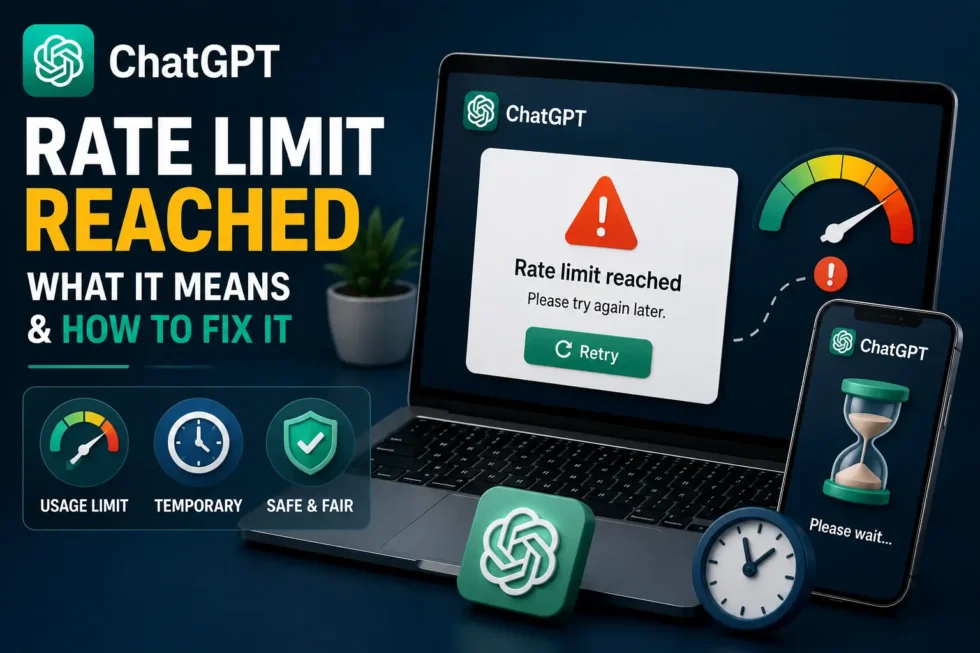
ChatGPT Rate Limit Reached What It Means and How to Fix It 2026
You’re deep in a conversation, and suddenly a message appears saying you’ve reached your limit. No warning, no countdown, just a stop sign. A ChatGPT rate limit message can feel abrupt, but it’s a normal part of how the platform manages traffic and fair usage. This guide explains exactly what triggers it, how it differs from other ChatGPT errors, and what you can do to keep working right away.
This article belongs to our cluster on ChatGPT Usage Limits Explained: Messages, Rate Limits, Credits & Fair Usage, and it sits under our main resource, ChatGPT Problems, Fixes, Tips & Hidden Features (2026): The Complete Troubleshooting Guide. Both cover the full landscape of how OpenAI manages messages, requests, and fair use across every plan.
What Does “ChatGPT Rate Limit Reached” Mean?
This message means you’ve sent more requests, tokens, or messages than your current plan allows within a set time window. OpenAI enforces these limits to keep the platform stable and fast for every user, not just to slow you down personally.
Rate limits apply differently depending on whether you’re using the ChatGPT app, a specific model, or the API. Free accounts face the tightest restrictions, while Plus, Team, and Enterprise plans get considerably more room before hitting a wall.
ChatGPT Rate Limit vs. Message Limit vs. Too Many Requests
These three terms get used interchangeably, but they aren’t identical. A message limit caps your total messages within a window, like 40 messages every three hours. A rate limit governs how fast you can send requests, measured in requests or tokens per minute. The “Too Many Requests” error is simply the on-screen result of exceeding either one. Our usage limits guide breaks down the specific numbers for each plan.
Why You’re Hitting the ChatGPT Rate Limit
Several factors contribute to reaching this ceiling faster than expected.
1. Your Plan Tier Sets a Hard Ceiling
Free users get the smallest allowance, and that ceiling resets on a rolling basis rather than at midnight. Even light users can bump into it during a busy research session or long coding project.
2. Long, Token-Heavy Conversations Add Up Fast
Every message in a thread gets reprocessed alongside the full conversation history. Long threads with pasted documents, code, or lengthy back-and-forth consume tokens far faster than short, isolated questions do.
3. Using a Premium Model Instead of a Standard One
Advanced reasoning models typically carry lower rate limits than lighter, faster models, since they require more computing power per response. Switching to a heavier model for simple tasks burns through your limit unnecessarily.
4. API Usage Without Rate Limit Awareness
Developers building on the API get assigned specific requests-per-minute and tokens-per-minute caps based on their usage tier. Sending requests without pacing them correctly triggers rate limit errors quickly, especially during testing or batch jobs.
5. Shared Accounts or Multiple Simultaneous Sessions
When several people share one login, or when one person runs ChatGPT across multiple devices at once, requests stack up quickly. The system counts all of that activity against a single account’s limit.
How to Fix a ChatGPT Rate Limit Error
Most of these solutions take effect immediately or within a few minutes.
Wait Out the Reset Window
Rate limits typically reset every few minutes for request-based limits, or every three hours for message-based ones. Checking your plan details tells you exactly how long the wait should be.
Switch to a Different Model
If one model is capped, try switching to another available option within the same chat. This often lets you continue working without any downtime at all.
Shorten Your Conversation Threads
Start a new chat for a new topic instead of continuing one long, sprawling thread. This reduces the token load per message and helps you avoid the ceiling for longer.
Upgrade to a Higher-Tier Plan
Plus, Team, and Enterprise plans all raise your rate limit substantially. If you’re hitting this wall regularly, an upgrade often solves the problem permanently.
Implement Backoff Logic for API Calls
Developers should add retry logic that waits progressively longer after each rate limit response, commonly known as exponential backoff. Pacing requests according to your tier’s official limits prevents repeated failures during high-volume tasks.
Log Out of Extra Devices and Sessions
Close ChatGPT on any device or browser tab you’re not actively using. Consolidating to one session reduces the chance of overlapping requests tripping the limit.
Check for OpenAI Server Issues
Occasionally, the rate limit message appears because of broader server strain rather than your individual usage. OpenAI’s status page shows any ongoing incidents that might explain the slowdown.
How to Avoid Hitting the Rate Limit Again
A little planning goes a long way here. Break large projects into smaller chats instead of one continuous marathon session. Reserve premium models for tasks that truly need the extra reasoning power, and use lighter models for everyday questions.
Developers should build rate limit handling into their applications from day one, rather than patching it in after users start seeing errors. Pairing that habit with a suitable plan tier keeps this issue from resurfacing during critical work.
Related Reading
For the complete breakdown of ChatGPT’s message caps, rate limits, and fair usage rules, visit ChatGPT Usage Limits Explained: Messages, Rate Limits, Credits & Fair Usage. If you want legal ways to stretch your available messages further, check out How to Bypass ChatGPT Message Limit (Legal Methods That Work). We’ve also covered the closely related ChatGPT Too Many Requests Error: Causes and Solutions in detail. For everything else, bookmark our pillar guide, ChatGPT Problems, Fixes, Tips & Hidden Features (2026): The Complete Troubleshooting Guide.
Frequently Asked Questions
What does it mean when ChatGPT says “rate limit reached”?
It means you’ve exceeded the number of requests, tokens, or messages allowed within a specific time window for your current plan.
How long do I have to wait after hitting the ChatGPT rate limit?
It depends on the type of limit. Request-based limits often reset within minutes, while message-based limits can take up to a few hours.
Does upgrading my ChatGPT plan increase the rate limit?
Yes, Plus, Team, and Enterprise plans all come with significantly higher rate limits than the free tier.
Is the rate limit the same for every ChatGPT model?
No, different models carry different limits, with heavier reasoning models typically capped lower than standard, faster models.
Final Thoughts
Reaching a ChatGPT rate limit isn’t a sign that something’s wrong with your account. It’s simply the system managing demand across a huge number of users. Waiting a few minutes, switching models, shortening your threads, or upgrading your plan resolves the issue in almost every case. Once you understand what’s actually being measured, this error stops feeling random and starts feeling manageable.