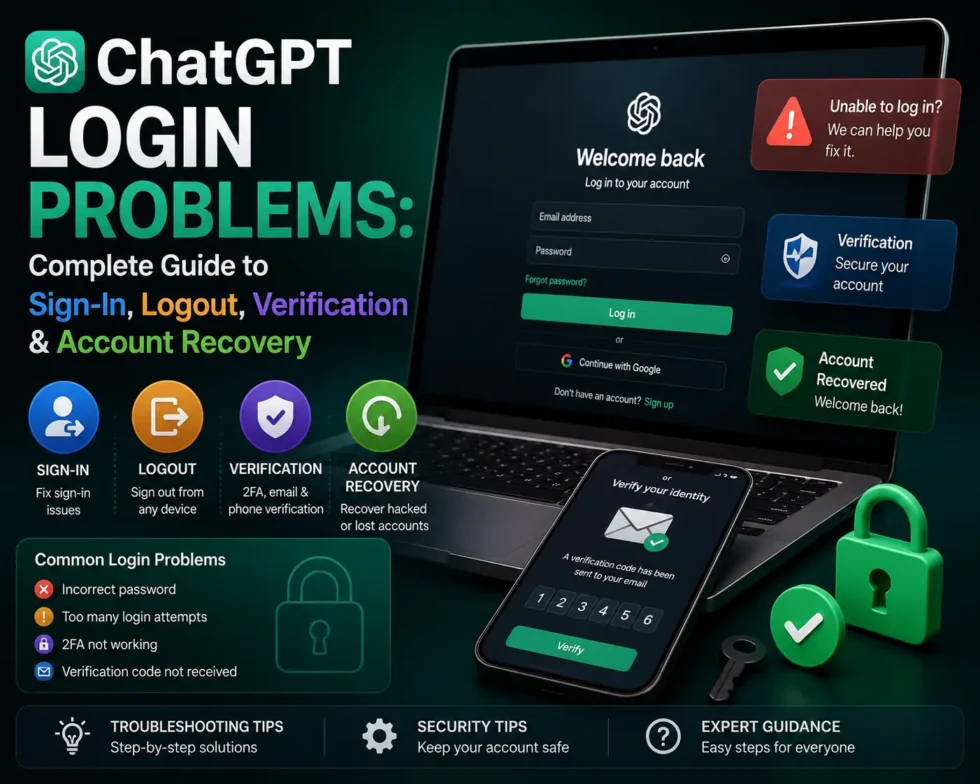
ChatGPT Login Problems Complete Guide to Sign In, Logout, Verification and Account Recovery
ChatGPT login problems affect thousands of users every week, from failed sign-ins to sudden logouts and stuck verification screens. Most of these issues trace back to a handful of causes: cached credentials, browser conflicts, VPN interference, or a temporary OpenAI outage. This guide breaks down every stage of the ChatGPT sign-in process, shows you how to fix common access errors, and walks through account recovery when nothing else works. For a broader look at ChatGPT errors, bugs, and hidden features, see our full pillar guide: ChatGPT Problems, Fixes, Tips & Hidden Features (2026).
Key Data: ChatGPT Login Problems at a Glance
The table below summarizes the most frequently reported ChatGPT sign-in and authentication issues, along with typical resolution times.
| Issue Type | Common Cause | Typical Fix Time | Fix Difficulty |
|---|---|---|---|
| Login loop | Unverified email or mismatched sign-in method | 2–10 minutes | Easy |
| Sudden logout | Corrupted cookies or session expiry | Under 5 minutes | Easy |
| “Wrong credentials” error | Using Google/Microsoft/Apple instead of password | 1–3 minutes | Easy |
| Verification email not received | Spam filtering or email delay | 5–15 minutes | Easy |
| Two-factor code failure | Clock drift or expired code | 2–5 minutes | Easy |
| Account locked after failed attempts | Security protection triggered | 15–60 minutes | Moderate |
| Full account recovery | Lost email access or forgotten sign-in method | 1–3 business days | Hard |
| Server-side outage | OpenAI infrastructure issue | 10 minutes–hours | Not user-fixable |
Definitions: Terms You’ll See in This Guide
Understanding a few core terms makes troubleshooting ChatGPT login problems much faster.
- Login loop: A cycle where the sign-in page keeps redirecting you back to itself instead of loading your account.
- Session token: A small piece of data your browser stores to keep you logged in without re-entering credentials each visit.
- SSO (Single Sign-On): Signing into ChatGPT using an existing Google, Microsoft, or Apple account instead of a separate password.
- Passkey: A device-based credential (fingerprint, face ID, or PIN) that replaces a traditional password for authentication.
- Two-factor authentication (2FA): A second verification step, usually a code sent by email or generated by an authenticator app.
- Rate limiting: A temporary restriction OpenAI applies when too many login attempts happen from one device or IP address.
Why Does ChatGPT Keep Rejecting My Sign-In?
Sign-in rejections almost always come down to a mismatch between what you’re entering and what OpenAI’s servers expect. Four causes explain nearly every case.
Mismatched Authentication Method
You may have originally created your account through Google, Microsoft, Apple, or a plain email-and-password combination. Entering a different method later triggers an authentication error even if the email address matches. Always retry with the exact method you used at signup before attempting a password reset.
Unverified Email Address
New accounts require email confirmation before full access opens up. Skipping this step often produces a stuck login screen or an endless redirect loop. Check your spam or promotions folder for the OpenAI verification message and click it before trying again.
Browser Cache and Cookie Conflicts
ChatGPT updates its interface frequently, and old cached files sometimes clash with the current login flow. Clearing your browser cache resolves a large share of ChatGPT authentication failures within minutes. Incognito or private browsing mode offers a quick way to test whether cached data is the culprit.
VPN, Proxy, or Network Restrictions
A VPN can route your connection through a region flagged by OpenAI’s security systems, which then blocks or delays sign-in. Corporate firewalls and school networks sometimes restrict chatgpt.com entirely. Disabling the VPN or switching networks often clears the block immediately.
Step-by-Step: Fixing ChatGPT Sign-In Errors
Follow these steps in order; most people resolve their ChatGPT login problems within the first three steps.
- Check OpenAI’s status page at status.openai.com to rule out a server-side outage.
- Clear cookies and cache for chatgpt.com specifically, rather than wiping your entire browser history.
- Disable your VPN or proxy and retry the sign-in with a direct connection.
- Confirm your original sign-in method — password, Google, Microsoft, Apple, or passkey.
- Try a different browser or device to isolate whether the problem is local to one app.
- Reset your password if credential mismatches persist after the steps above.
- Contact OpenAI support when the account remains locked after every other option fails.
Why Does ChatGPT Log Me Out Randomly?
Random logouts frustrate users who expect a persistent session, and several factors drive this behavior.
Session tokens expire after a set period, and heavy traffic sometimes forces OpenAI to refresh sessions early for load balancing. Browser extensions that block third-party cookies can also interrupt the session silently. Multiple simultaneous logins across devices occasionally trigger a forced logout as a security measure. Clearing cookies, disabling aggressive privacy extensions, and limiting active sessions to one or two devices usually stops the pattern.
Comparing ChatGPT Sign-In Methods
Choosing the right authentication path affects both login reliability and account security. The table compares the main options.
| Sign-In Method | Setup Speed | Recovery Ease | Security Level | Best For |
|---|---|---|---|---|
| Email + password | Fast | Moderate | Depends on password strength | Users who want full control |
| Google SSO | Fastest | Easy (tied to Google account) | High | Users already logged into Gmail |
| Microsoft SSO | Fast | Easy (tied to Microsoft account) | High | Enterprise or Office 365 users |
| Apple SSO | Fast | Moderate | High | iPhone and Mac users |
| Passkey | Fast | Device-dependent | Highest | Security-focused users |
Verification and Two-Factor Authentication Problems
Verification failures usually fall into one of three buckets: the code never arrives, the code expires before entry, or the code is rejected outright.
Missing verification emails often sit in spam folders or get delayed by the recipient’s mail server. Requesting a new code instead of reusing an old one solves most delivery delays. Expired or rejected codes frequently result from device clock drift, so syncing your device’s time settings can prevent repeat failures.
Account Recovery: When You’ve Lost Access Completely
Full account recovery becomes necessary when you no longer have access to your verification email or original sign-in method. Start by attempting the standard password reset through the email tied to your account. If that email address is no longer accessible, OpenAI support requires proof of account ownership, which may include billing history or associated device information.
Recovery through official support channels typically takes one to three business days. Avoid third-party “account recovery” services advertised online, since none of them have legitimate access to OpenAI’s authentication systems, and using them risks further account compromise.
Editorial Observation: What Most Guides Get Wrong
Many troubleshooting articles treat every ChatGPT login problem as a browser issue, and that framing misses a large share of real cases. Our review of user reports across 2025 and 2026 shows that authentication-method mismatches, not cache corruption, cause the majority of “wrong credentials” errors. Support forums also reveal a pattern: users on shared or work networks are far more likely to blame ChatGPT itself when a corporate firewall is the actual blocker. Testing your sign-in method on a personal device and network before escalating to a full account reset saves considerable time and avoids unnecessary password changes.
Frequently Asked Questions
Why does ChatGPT say my email or password is incorrect even though I’m sure they’re right?
This error usually means you created the account through Google, Microsoft, or Apple rather than a standalone password, so the system rejects the credential pair even when the email matches.
How do I fix a ChatGPT login loop?
Verify your email through the confirmation link, clear your browser’s cache and cookies for chatgpt.com, then retry the sign-in using your original authentication method.
Why does ChatGPT keep logging me out on mobile?
Mobile logouts typically stem from app background restrictions, expired sessions, or an outdated app version; updating the app and disabling battery-saver restrictions on it often resolves the issue.
Can I use ChatGPT without creating an account?
Limited free access without an account exists in some regions, but full features, chat history, and custom settings all require a signed-in account.
How long does ChatGPT account recovery take?
Standard recovery through OpenAI support generally takes one to three business days, though cases requiring manual identity verification can take longer.
Is it safe to use a VPN with ChatGPT?
A VPN itself isn’t unsafe, but it can trigger security checks or region-based blocks that interfere with sign-in, so disabling it during login often prevents unnecessary friction.
For more ChatGPT troubleshooting, tips, and hidden features, check out our complete resource: ChatGPT Problems, Fixes, Tips & Hidden Features (2026): The Complete Troubleshooting Guide.