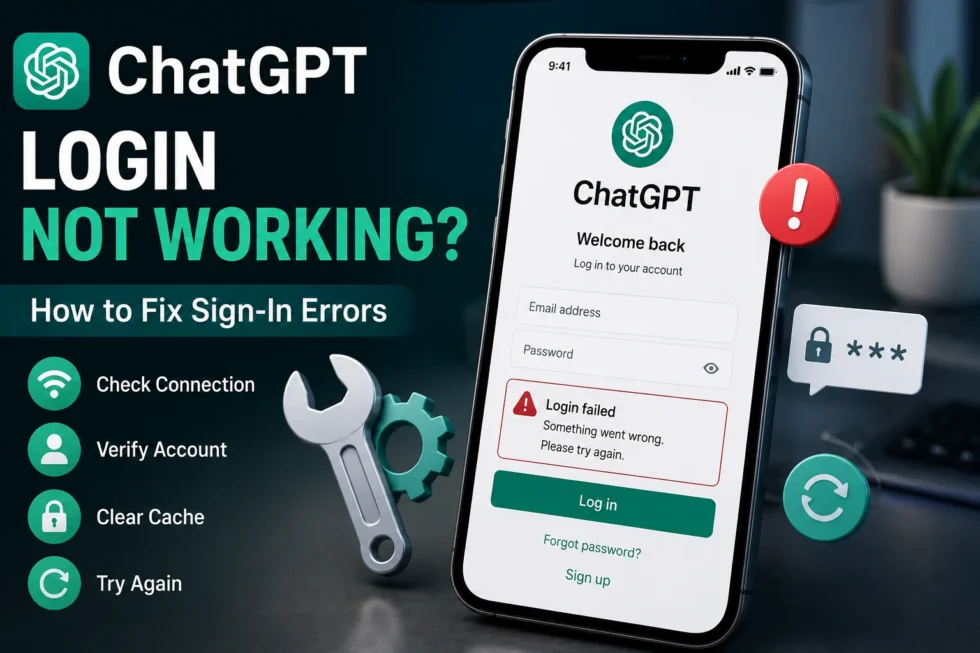
ChatGPT Login Not Working 8 Fixes for Sign In Errors 2026
When ChatGPT login is not working, the problem usually comes down to one of a few things: a server outage, a browser conflict, an expired session, or an account issue on OpenAI’s end. This guide walks through every common sign-in error, explains what causes it, and gives you a clear fix for each one, so you can get back into your account quickly.
This article is part of our ChatGPT Login Problems: Complete Guide to Sign-In, Logout, Verification & Account Recovery cluster. For every other ChatGPT issue and hidden feature, visit the main ChatGPT Problems, Fixes, Tips & Hidden Features (2026): The Complete Troubleshooting Guide.
Why Is ChatGPT Login Not Working Right Now?
Sign-in failures generally fall into three buckets: OpenAI server issues, local device or browser problems, and account-specific errors like a wrong password or a locked profile. Checking which bucket applies to you saves time and points you toward the right fix immediately.
Start by ruling out the simplest explanation first. Is the problem happening to everyone, or just to you?
1. OpenAI Server Outage
Sometimes ChatGPT sign-in fails because OpenAI’s servers are down, not because of anything on your device. Outages tend to affect large groups of users at once and usually resolve within a few hours.
Fix: Check the OpenAI Status page for live updates. Downdetector also shows real-time reports from other users experiencing the same issue.
2. Incorrect Email or Password
A mistyped email or an outdated password remains the most frequent cause of login failure. Autofill settings on your phone or browser can sometimes insert an old, saved password without you noticing.
Fix: Manually type your credentials instead of relying on autofill. If you’re unsure of your password, use the “Forgot Password” link on the sign-in screen to reset it.
3. Browser Cache and Cookie Conflicts
Old cached files or corrupted cookies can block ChatGPT’s login page from loading correctly. This often shows up as a blank screen, a stuck spinner, or a login button that does nothing when tapped.
Fix: Clear your browser’s cache and cookies for chat.openai.com, then reload the page. Trying an incognito or private window is a fast way to confirm whether cache is the culprit.
4. Third-Party Login Conflicts (Google, Apple, Microsoft)
If you originally signed up using a Google, Apple, or Microsoft account, logging in with a different method will fail every time. ChatGPT ties your account to whichever provider you used first, and it won’t recognize a mismatched login attempt.
Fix: Confirm which provider you used for your original sign-up, and select that exact option on the login screen.
5. Two-Factor Authentication (2FA) Errors
A missing or expired verification code stops the login process even when your password is correct. Codes typically expire within ten minutes, so delays in checking your email or authenticator app can cause failures.
Fix: Request a new code and enter it immediately. Double-check that your device’s clock is set to automatic time, since manual time settings can throw off authenticator apps.
6. Account Temporarily Locked or Suspended
Repeated failed login attempts, unusual location activity, or a flagged violation of OpenAI’s usage policy can lock an account temporarily. In this case, the login page often displays a specific warning message.
Fix: Read the exact error message carefully, since it usually explains the reason. Follow any verification link sent to your email, or contact OpenAI support directly if no explanation appears.
7. Outdated App or Browser Version
Older app builds and outdated browsers sometimes lose compatibility with ChatGPT’s authentication system after an update on OpenAI’s end. This mismatch can cause the login button to fail silently.
Fix: Update the ChatGPT app through your device’s app store, or update your browser to the latest available version.
8. VPN, Firewall, or Network Restrictions
A VPN, corporate firewall, or restrictive network can block the specific servers ChatGPT uses to verify your login. Schools and workplaces frequently restrict AI tools at the network level, which prevents sign-in entirely.
Fix: Disable your VPN and try logging in again. If you’re on a school or work network, switch to mobile data or a personal Wi-Fi connection to test whether the network is the actual restriction.
Sign-In Error Messages and What They Mean
Different error messages point to different fixes. Here’s a quick reference:
- “Something went wrong” — usually a temporary server issue; wait a few minutes and retry.
- “Invalid email or password” — check for typos, or reset your password.
- “Too many attempts” — your account is temporarily rate-limited; wait 15-30 minutes before trying again.
- “Session expired” — simply log back in; your chat history stays saved.
How to Prevent Future ChatGPT Sign-In Errors
A few habits reduce the odds of running into login trouble again:
- Keep your password manager updated with your current ChatGPT credentials.
- Update the app and browser regularly instead of postponing updates.
- Avoid switching login providers (Google, Apple, Microsoft) once your account is set up.
- Bookmark the OpenAI Status page to check outages quickly.
Still Can’t Log In?
If none of these fixes resolve the issue, the problem may require direct account intervention from OpenAI. Use the Help option within the app or website, and describe the exact error message along with your device and browser details for a faster resolution.
Related Reading
For a complete breakdown of ChatGPT authentication issues, including iPhone logout problems and full account recovery steps, see our cluster guide: ChatGPT Login Problems: Complete Guide to Sign-In, Logout, Verification & Account Recovery.
For every other ChatGPT issue, tip, and hidden feature we’ve documented, visit the pillar guide: ChatGPT Problems, Fixes, Tips & Hidden Features (2026): The Complete Troubleshooting Guide.